

Your workspace for modern,
AI-native documents.
Reports, decks and proposals arrive as polished HTML pages now — made with AI, or sent by a colleague. tidepage is where they live: organise, edit, share, and direct the next change without touching code.
FreeNo credit cardWorks with pages from any AI, or none

Why pages, not files
The document, upgraded.
Your AI already ships its best work as a page. Most teams then flatten it into yesterday's formats.
The format AI is best at
Ask for a deck and you get slides drawn in HTML; ask for a report and the charts are live. Pages are the model's native output — tidepage makes them safe to keep, instead of pasting the content into Word.
One page, three formats' work
Tabs where a spreadsheet had sheets, slides where the deck was, footnotes that unfold, numbers that stay charts. Layered reading — summary first, evidence on demand — that no static format can do.
A single file that goes anywhere
Fonts, graphics and interactions travel inside one HTML file. Mail it, host it, open it offline, archive it for a decade — and when someone insists on a PDF, it's one print away.
On brand by design
Every document carries its own design system, and every edit — yours, a colleague's or an agent's — is bounded by it. A blank canvas lets anyone make it ugly; a governed page doesn't.
 Launch deckMeridian
 Ops dashboardSolstice Grid
 Onboarding guideHalcyon Studio
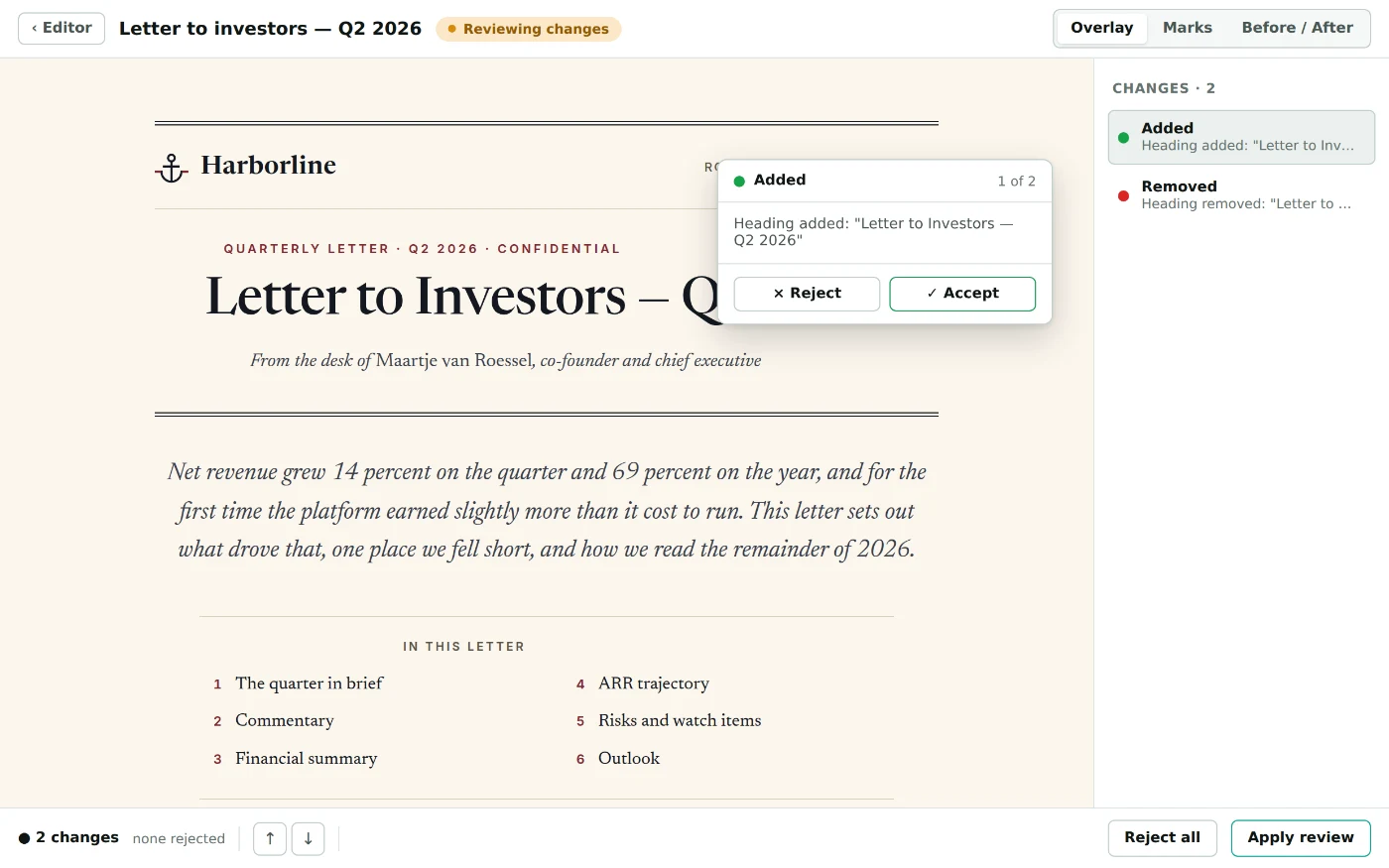
 Investor letterHarborline
 Client proposalCobalt
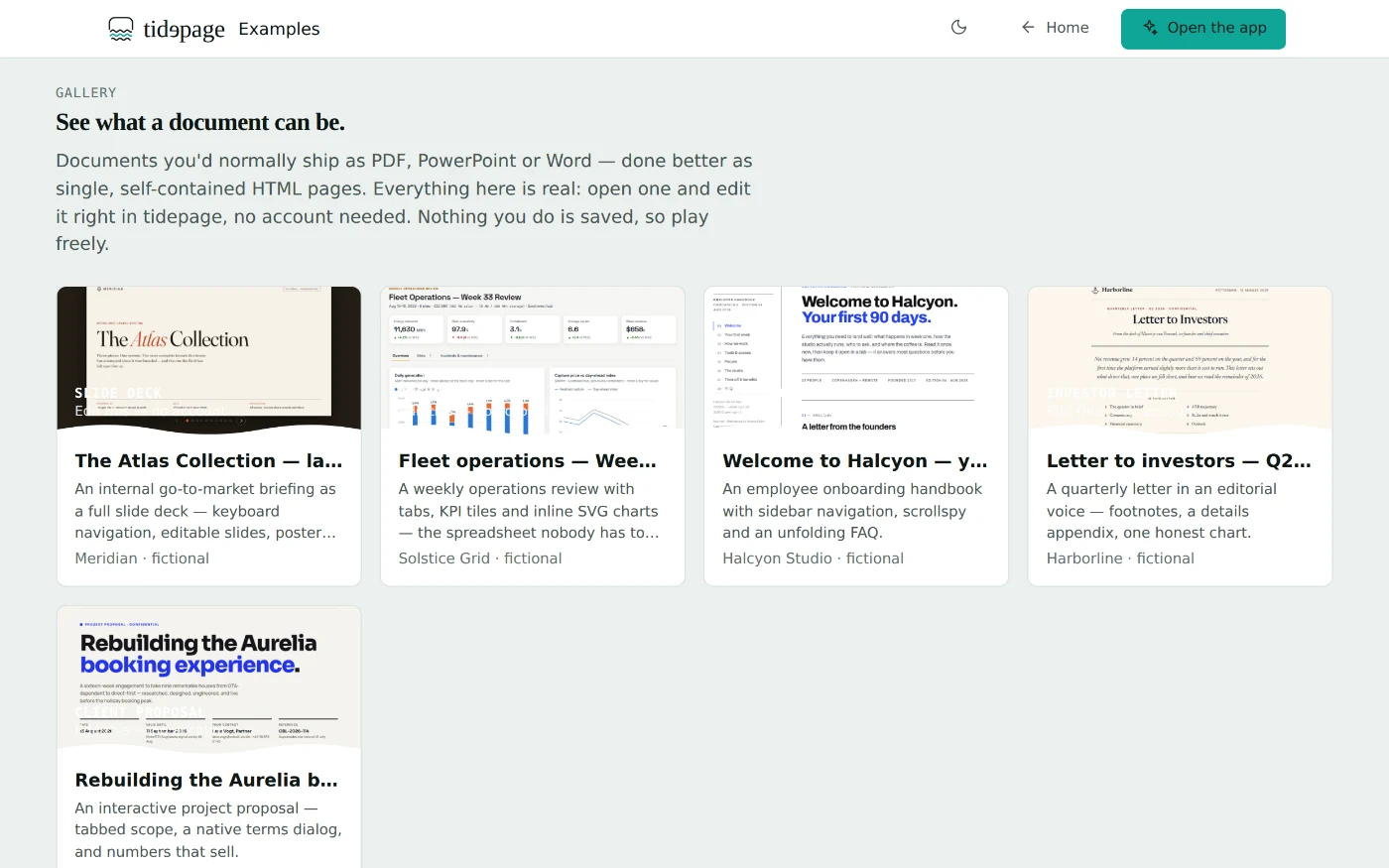
All five are real, editable documents — they live in the demo workspace →
What you do with it
Organise. Edit. Share. Direct.
One workspace carries the whole life of a document.
-
Organise
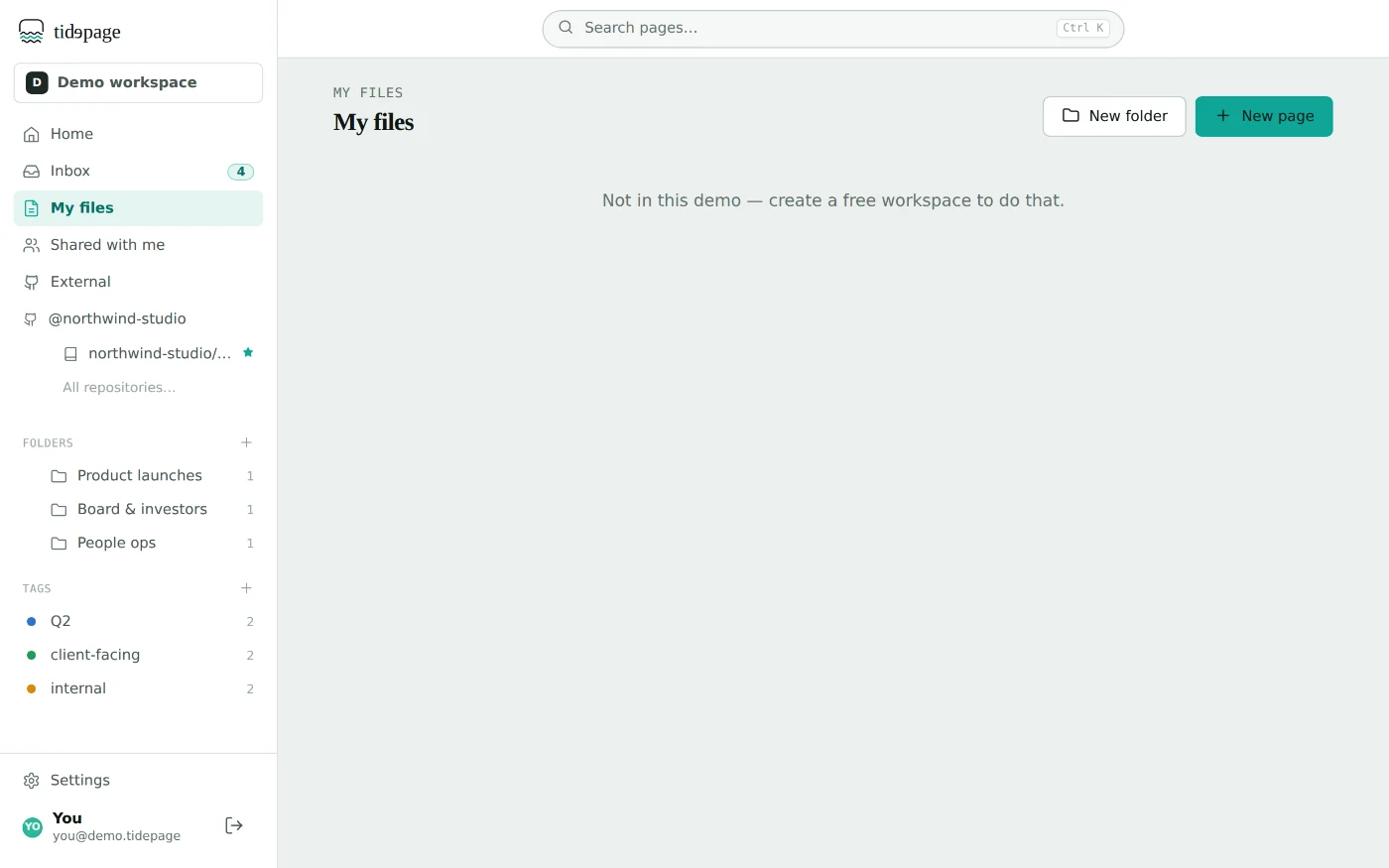
Every document in one searchable workspace — live previews, folders, tasks.
-
Create
Start from an example, a blank page, or any file that lands on your desk.
-
Edit
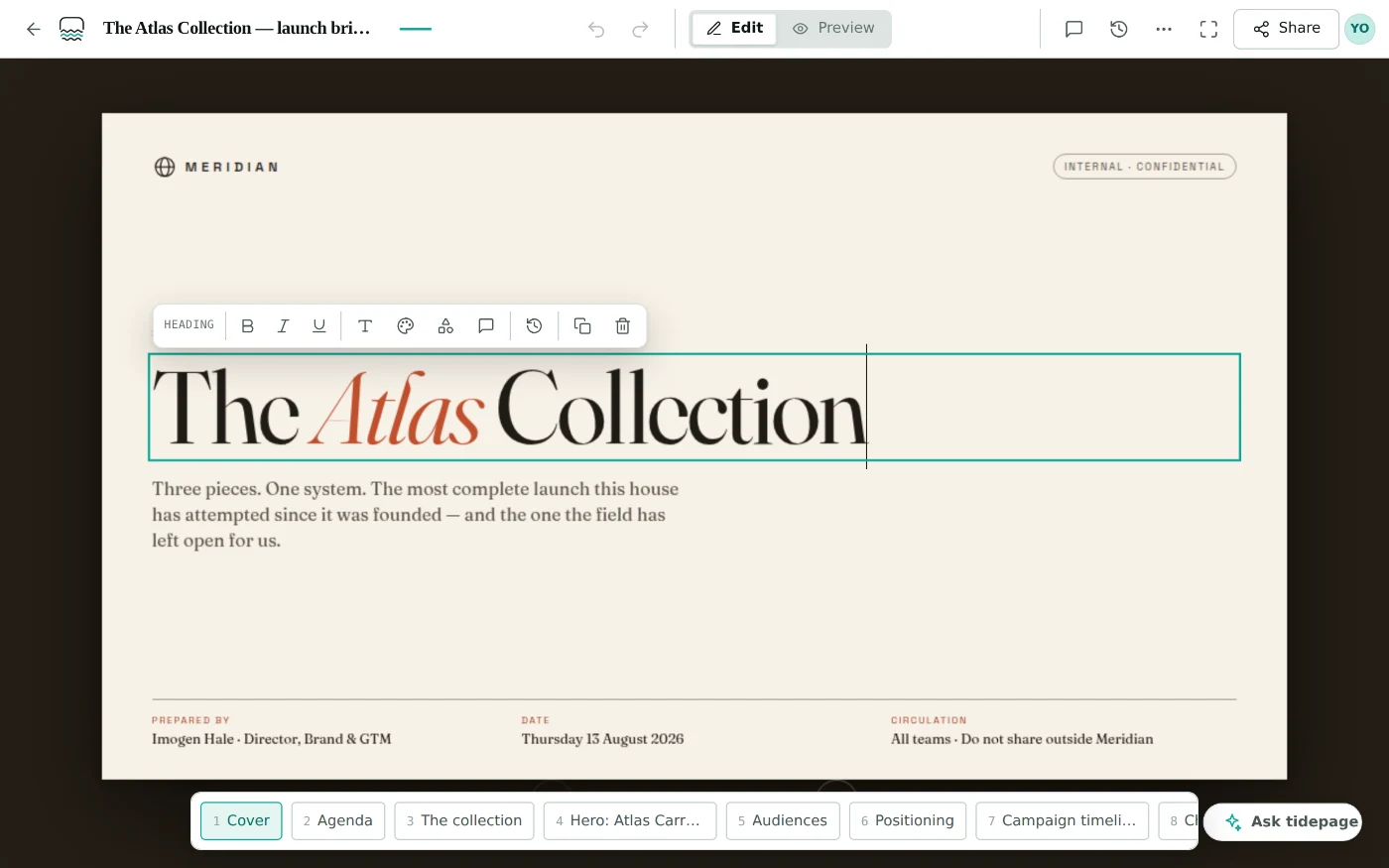
Click anything and change it — versioned, and always on brand.
-
Share
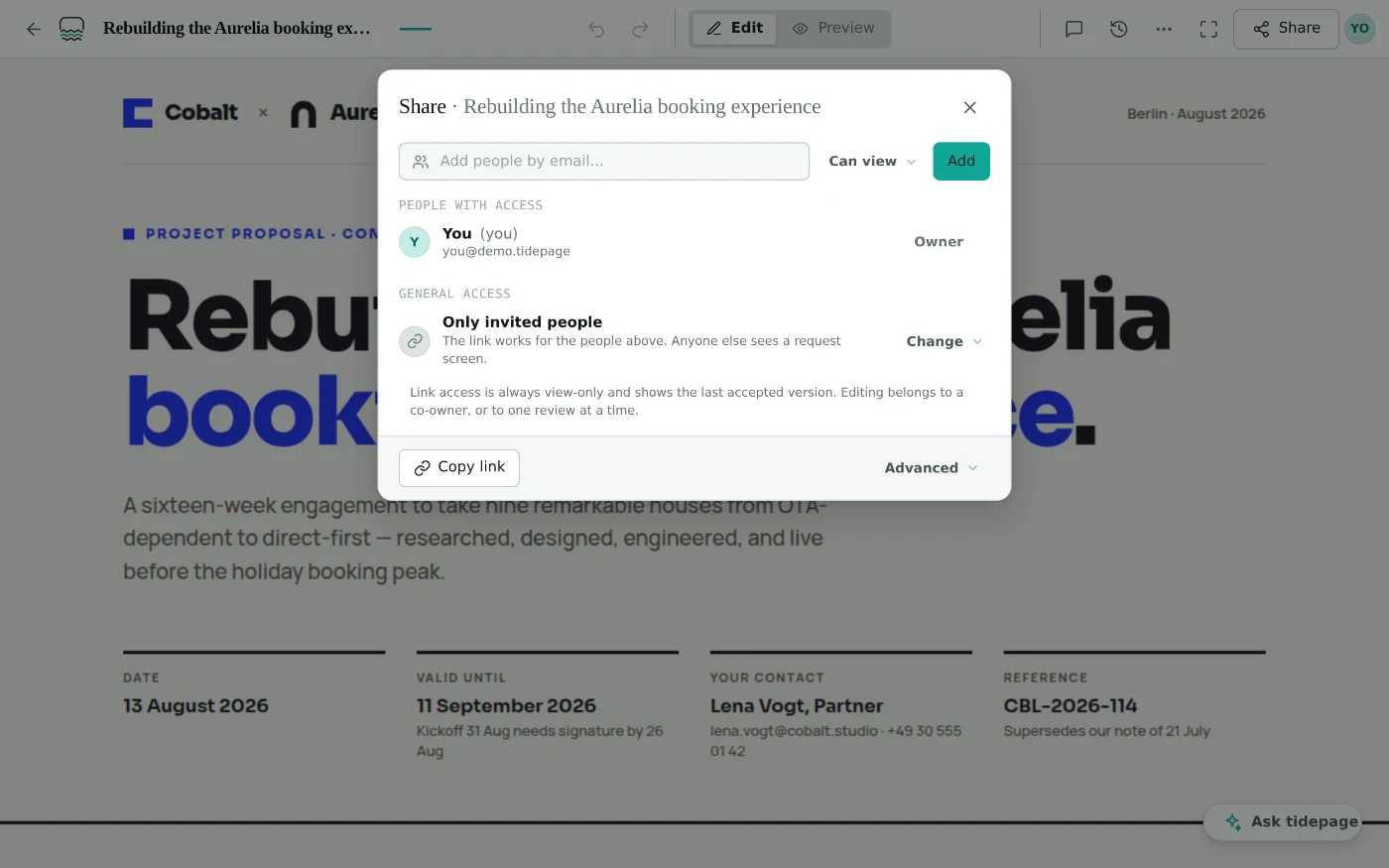
A live link instead of an attachment, with contained review rounds.
-
Direct the agent
Point, describe the change, approve the diff. No chat window.
Integrations
Meets your documents where they live.
Pages come from repos, agents and drives — tidepage plugs into all three.
GitHub
Open pages straight from your repositories, edit them visually, and send the change back as a commit or a pull request — without leaving the browser.
See it in the demoClaude & any agent, over MCP
Point at an element, describe the change, and your agent edits through the same constrained path you use — nothing lands until you approve the diff. Claude today; anything that speaks MCP.
How it worksGoogle Drive
Open and save pages where your team already keeps its documents — same editing, same governance, no new silo.
OneDrive
The same round-trip for Microsoft shops: pages live in OneDrive, edits happen in tidepage, files stay files.
Why we're building this
The best document your team produced this year was probably made by an AI in thirty seconds — and then flattened into a PDF because nothing could hold it. We think the page itself is the document format of the next decade, and someone has to build the boring, careful tools that make it trustworthy: editing that can't break the brand, reviews that hold agents to the same rules as people, files that stay files.
— Patrick, building tidepage in the open · the founding story
Pricing
Free while we build.
Early access means exactly that: everything tidepage does today, free — and a say in what it becomes.
Early access
Everything, for individuals and small teams:
- The full workspace — documents, folders, search, tasks
- Editing, versioning, live share links
- Review rounds and the directable agent
- Desktop app and browser
Teams
For organisations, once the collaboration layer is complete:
- Org workspaces, roles and admin
- Advanced sharing and access control
- Priority support
- Early-access users keep a founding discount
Questions
The short version.
Do I need an account?
Not to try it. The demo workspace is the entire product running on sample documents — including opening your own HTML file, editing it and downloading the result. A free account adds what a demo can't: your documents saved, live share links, and review rounds with your team.
What can I open?
Any standalone HTML page: exports from Claude, ChatGPT, Gemini or any other tool, pages a colleague made, or one of our examples. It opens as a clean, editable document.
What does it cost?
Nothing right now — everything is free while tidepage is in early access. Paid team plans come later, and early-access users keep a founding discount.
Why HTML instead of PDF or PowerPoint?
One self-contained file that's interactive, always on brand, readable on any device — and still one print away from a PDF when you need one.
Can I break the styling?
No. Colors, fonts and styles are drawn from what the page already defines — there's no free color wheel, so an off-brand result isn't possible.
How do agents make changes?
You pin a request to an element; the agent edits through the same constrained path you use, and the change comes back as a diff you approve. Works with any MCP-capable agent — Claude or otherwise.
From the blog
Field notes on modern documents.
Try it
Where documents find their flow.
Free to start — make your first edit in under a minute, with one of our documents or your own.